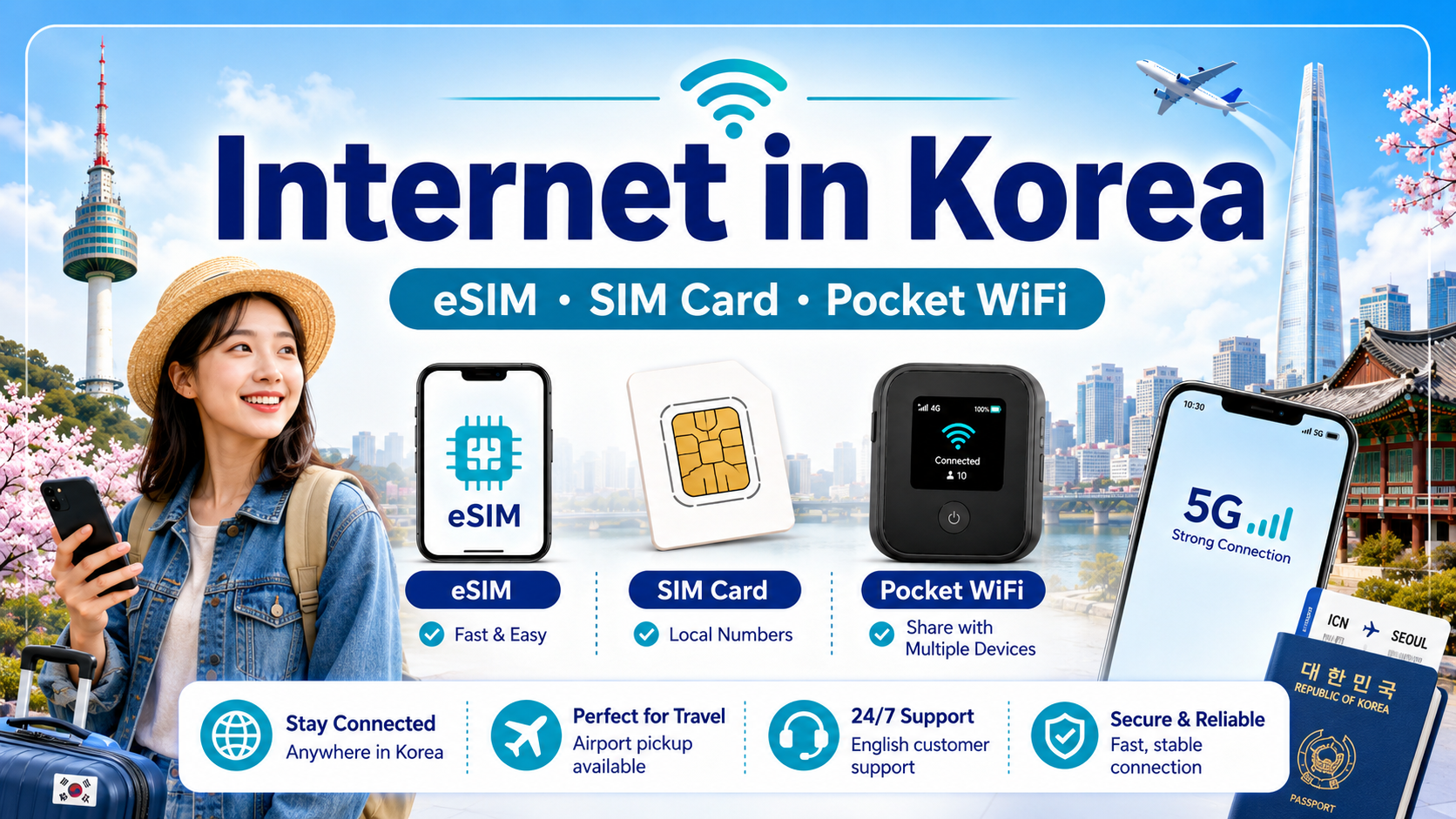
For most travelers, the real question is not whether you need internet in Korea. You probably do.
The more useful question is which setup fits the way you actually travel: an eSIM, a physical SIM, pocket WiFi, or in some cases international roaming.
I would make that decision based on a few practical things: whether your phone supports eSIM, how long you will be in Korea, whether people in your group may separate during the day, and whether you want to carry and charge another device.
I have used pocket WiFi, physical SIM cards, roaming and eSIMs on my own trips, and the difference in convenience is much bigger than it looks on a comparison chart.
This guide focuses on choosing the connection method. If you already know you want an eSIM and are comparing data allowance, phone-number options, hotspot rules, activation timing or other buying details, see my separate guide: Best eSIM for Korea: What Tourists Need to Know Before Buying.

Quick Summary
If your phone supports eSIM, that is now the option I would personally choose for most short trips.
A physical SIM still works well if your phone does not support eSIM or you simply prefer a removable card.
Pocket WiFi can make sense when several people truly stay together all day, but I would think carefully before carrying one just because you are traveling as a family or group.
Roaming is the option I consider more often for longer trips or business travel when my home carrier gives me enough value to justify it.
- eSIM — My first choice for most short trips because there is nothing physical to swap, carry or return.
- Physical SIM — A practical alternative, especially for phones without eSIM support.
- Pocket WiFi — Best only when several people will usually stay together and you do not mind carrying and charging an extra device.
- Roaming — Worth checking for longer stays or business travel depending on your home carrier’s pricing and benefits.
Option 1: Using an eSIM in Korea
An eSIM is a digital SIM that can be installed directly on compatible smartphones.
Instead of replacing the physical SIM card in your phone, you purchase an eSIM plan and install it using a QR code or an app.
For many international travelers, this is now one of the easiest ways to get internet in Korea.

Why an eSIM Is Convenient
The biggest advantage is that you can usually set everything up before arriving in Korea.
You do not need to visit a store or wait at an airport counter.
Once you arrive, you can activate the eSIM and start using mobile data.
It also allows you to keep your original SIM card in your phone, which can be useful if you still need to receive messages from your home country.
Things to Check Before Buying an eSIM
First, make sure your phone supports eSIM.
You should also check whether your phone is carrier-unlocked.
A locked phone may not allow you to use another carrier’s SIM or eSIM.
Some Korea eSIM plans provide data only, while others may include a Korean phone number.
If you only need maps, translation, messaging, and internet access, a data-only plan is usually enough.
Not sure which Korea internet option is right for you?
Compare eSIM plans by data allowance, trip length, phone compatibility, and whether you need a Korean phone number before you buy.
- Compare Korea eSIM Options
Why I Now Prefer eSIM for Short Trips
I have become much more comfortable with eSIM after using different connection methods on my own trips.
On one trip to Guam, I mishandled my original physical SIM and lost it. Replacing the SIM and getting my normal line working again took time and was much more annoying than I expected.
More recently, I used an eSIM for a trip to Fukuoka. The difference was simple but important: there was no tiny physical card to remove, store or accidentally lose. I registered the eSIM before the trip, used it during the trip, and removed the travel eSIM afterward.
For a short trip, that convenience is now hard for me to give up. If my phone supports eSIM, I personally plan to choose eSIM first.
Family Tip: For children who need mobile data, choosing a smaller or more limited travel data plan can also help you control how much mobile data is available during the trip. That is separate from normal parental-control settings on the phone, but it can be a useful part of the setup.
If you have already decided on eSIM, I cover the next step separately in Best eSIM for Korea: What Tourists Need to Know Before Buying.
Option 2: Buying a Physical SIM Card
A physical SIM card works like the SIM card you probably already use in your phone.
Korean travel SIM cards are commonly available at major airports and through online travel services.
You simply replace your existing SIM card with the Korean SIM card.

Who Should Choose a Physical SIM?
A physical SIM is a good choice if your phone does not support eSIM.
It can also be useful for travelers who prefer a traditional SIM card rather than setting up an eSIM digitally.
Some tourist SIM cards also include a Korean phone number, although the exact features depend on the plan.
Remember Your Original SIM Card
This sounds obvious, but do not lose your original SIM card.
Keep it somewhere safe during your trip.
When you return home, you will need to put it back into your phone.
From My Experience: This is one reason I now prefer eSIM when it is available. A physical SIM works perfectly well, but it gives you one more small object to remove, store and keep track of while traveling. After losing my original SIM on a trip, I became much more careful about this.
Option 3: Renting Pocket WiFi
Pocket WiFi is a small portable WiFi router that connects to Korea’s mobile network.
Your phone, tablet, laptop, or other devices connect to the router using WiFi.

This can be especially useful for families or groups.
Instead of purchasing several individual SIM cards, multiple people can share one pocket WiFi device.
When Pocket WiFi Can Work Well
Pocket WiFi can still make sense when several people want to share one connection and the group genuinely plans to stay together for most of the day.
It can also be useful if you need to connect several devices such as phones, tablets or a laptop without setting up separate mobile plans.
Why I Stopped Carrying Pocket WiFi
I used pocket WiFi on a trip to Japan, and on paper it sounded convenient. In real life, I found it surprisingly annoying.
The device itself was not huge, but once I added it to everything else I was already carrying, it felt like unnecessary weight and bulk. I was already carrying a power bank, and now I had another device whose battery I had to think about every day.
Eventually I switched to roaming during the trip, left the pocket WiFi at the hotel, and stopped carrying it around.
That experience changed how I look at pocket WiFi. Sharing one connection sounds efficient, but the convenience disappears quickly if you dislike carrying extra devices or constantly thinking about charging.
The More Important Question: Will Your Group Separate?
Do not choose pocket WiFi only because you are traveling as a family or group.
The more important question is whether everyone will actually stay together all day.
If one parent goes shopping while the other takes the children back to the hotel, or family members split up inside a large attraction, the person without the router can suddenly lose the connection they were relying on for maps and messages.
If your group may separate, individual eSIMs or SIM cards are usually easier.
What About International Roaming?
I used roaming more often before eSIM and travel SIM options became familiar to me.
I still consider roaming for longer business trips or extended stays, especially when my home carrier offers a package or benefit that makes sense for the length of the trip.
For a short vacation, I usually prefer the flexibility of an eSIM because I can choose a plan that matches the trip length and my expected data use.
For a longer stay, I would compare the total cost and benefits of roaming against local or travel SIM options rather than assuming one is always cheaper.
My Rule: Short trip — I usually look at eSIM first. Longer business trip or extended stay — I check whether my carrier’s roaming package gives me enough value to keep everything on my normal line.
Which Option Is Best for You?
I would choose based on the way you travel rather than only on group size.
Short Solo or Couple Trip
If your phones support eSIM, I would start there. There is no extra device to carry and no physical SIM to swap or store.
Phone Without eSIM Support
A physical SIM is the straightforward alternative. Just keep your original SIM somewhere safe during the trip.
Family or Group That Stays Together
Pocket WiFi can work if everyone genuinely stays together and sharing one connection is more important than the inconvenience of carrying and charging another device.
Family or Group That May Split Up
I would rather give each person who needs data an individual eSIM or SIM. Separate connections make maps, messaging and meeting up much easier.
Longer Business Trip or Extended Stay
Check your home carrier’s roaming package as well. Depending on the plan and benefits, roaming may be worth considering when you want to keep your normal line active for a longer period.

Is Free WiFi Available in Korea?
Yes. In Korean cities, WiFi is common in hotels, cafés, shopping malls, airports and many other places.
That is one reason I do not think most short-term visitors need to carry pocket WiFi just to avoid being offline indoors.
However, I still would not rely entirely on free WiFi. The moments when you most need internet are often while you are moving — checking Naver Map, finding a bus stop, calling a taxi, messaging someone you became separated from, or looking up a place before you arrive.
For me, public WiFi is a useful backup. My own mobile connection is what I want for the parts of the trip between those WiFi-covered places.
If You Choose an eSIM, What Should You Check?
Once you decide that an eSIM is the right connection method, the next questions are more specific: how much data you need, whether you want a Korean phone number, hotspot rules, activation timing, speed limits, and device compatibility.
Those are buying decisions rather than connection-method decisions, so I cover them separately in Best eSIM for Korea: What Tourists Need to Know Before Buying.
Once You Are Connected, Which Apps Matter?
Once your internet is working, the apps you will probably use most are navigation, taxi, translation and train tools.
For the current setup I recommend — including Naver Map, taxi options, translation tools and Korail+ for train travel — see Best Apps for Traveling in Korea.
A Local Tip: Have Your Connection Ready Before Leaving the Airport
Your first trip from the airport is exactly when you may need maps, transportation information, messaging or translation the most.
If you are using an eSIM, I would install it before the trip and follow the provider’s activation instructions when you arrive.
If you are buying a physical SIM or collecting a pocket WiFi device, I would finish that setup before leaving the airport rather than planning to solve it later in the city.
My own preference now is to remove as many small travel tasks as possible before I start moving with luggage.

Want the easiest way to stay connected in Korea?
Compare current eSIM, SIM card, and pocket WiFi options before your trip, then choose the one that best fits your phone, travel style, and group size.
- Find the Best Korea Internet Option
Final Thoughts
There is no single internet option that is best for every traveler.
For my own short trips, eSIM has become the easiest option because I do not need to carry another device or manage a physical SIM card.
A physical SIM is still a perfectly practical choice when eSIM is not available. Pocket WiFi can work for a group that stays together, but after carrying one myself, I would not choose it unless sharing one connection clearly solves a real problem.
For longer business trips or extended stays, I also check roaming because the value can change depending on the carrier and the length of the trip.
The key is to choose the method that removes friction from your trip rather than creating another device, battery or tiny SIM card to worry about.
Related Guides
Best Apps for Traveling in Korea: Naver Map, Papago, Taxi Apps & More
How to Get from Incheon Airport to Seoul: AREX, Bus or Taxi?
Leave a Reply