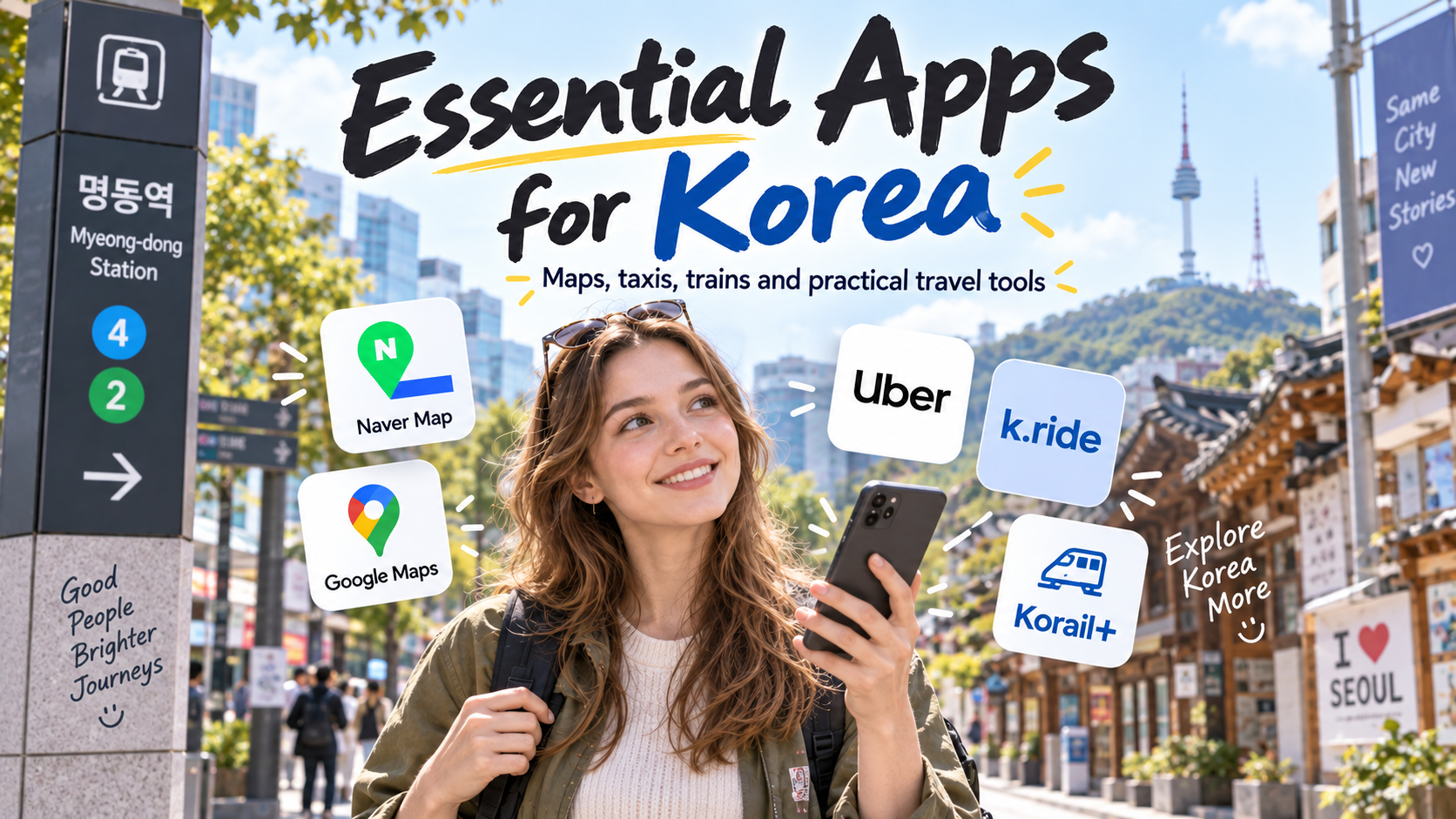
Whenever I travel overseas, there are two apps I almost always use: Google Maps and Uber.
Google Maps helps me find places, read reviews, and understand where I am. Uber is useful when I am tired, carrying luggage, traveling with kids, or simply do not want to explain a destination in another language.
So if you are planning a trip to Korea, you may be wondering: Can I just use the same apps I already use at home, or do I need a completely different set of Korean apps?
The answer is somewhere in between.
You do not need to fill your phone with ten different Korean apps. Some international apps work perfectly well in Korea. But there are also a few local apps that make certain parts of a Korea trip much easier.
Here is the setup I would actually recommend for a first trip to Korea — including the apps I think are useful, the ones that are optional, and the tools you may already have on your phone.
Quick Answer: The Apps I Would Start With
- Naver Map — for local navigation, buses, subways, walking routes and place information
- Google Maps — still useful for discovering places, reviews and familiar saved locations
- Uber or k.ride — for taxis when public transportation is inconvenient
- Your preferred translation tool — mostly for menus, signs or more complicated situations
If you are traveling between cities by KTX or other Korail trains, I would also add Korail+. You may still see its former name, KorailTalk, in older guides. If you are still researching your itinerary, VISITKOREA can be useful too.
For most first-time visitors, that is enough.
1. Naver Map — The Korea App I Would Definitely Add
I use Google Maps a lot when I travel overseas, so I understand why many visitors naturally open Google Maps when they arrive in Korea.
And you do not need to stop using it.
Google Maps can still be useful for discovering attractions, looking at photos, checking reviews, and keeping track of places you already saved.
But when I am actually moving around Korea, especially by subway, bus or on foot, Naver Map is the app I would add and rely on more heavily.
Naver Map is built around local Korean transportation and place information. It is especially useful for subway routes and transfers, bus routes and stops, walking directions, subway exit numbers, and local restaurants or cafés.

One small detail that can make a surprisingly big difference in Seoul is the subway exit.
A large station may have many exits, and choosing the wrong one can add a long walk to what looked like a short trip on the map.
Local Tip
I would keep both Google Maps and Naver Map on my phone. I would use Google Maps when it is convenient for discovery or reviews, but I would rely more on Naver Map when actually navigating around Korea.
Naver Map does have one weakness for foreign visitors: searching for a small local business in English does not always work perfectly.
If that happens, copying the Korean place name and pasting it into Naver Map often solves the problem.
For the full setup, English interface, place-search tricks, route planning and subway-exit tips, see How to Use Naver Map in Korea: A Simple Guide for Tourists.
2. Uber or k.ride — You Have More Than One Taxi Option
Uber is another app I normally use when traveling overseas.
The good news is that Uber also works in Korea. You can use the Uber app to request licensed local taxis in major Korean cities, enter your destination in the app, track the car, and pay with a supported payment method saved to your account.
For travelers who already have an Uber account, that familiarity is a real advantage. When you have just arrived in a new country, using an app you already understand can be easier than setting up another one.
There is also another option designed specifically for international travelers: k.ride.
k.ride is operated by Kakao Mobility. You can sign up with Google, Apple or email rather than needing a Kakao account, and overseas-issued cards are supported. The service also provides multilingual destination search and chat support.

So Which One Would I Use?
If you already use Uber when traveling internationally, I would try Uber first.
k.ride is worth knowing about if you want an app designed specifically for foreign visitors, multilingual destination search and chat support, or simply another taxi option as a backup.
I would not say that every traveler needs both apps. For me, the better approach is to have one taxi app you trust and know how to use.
Local Tip
If you are staying near subway stations and mostly sightseeing in central Seoul, you may not use a taxi app very often at all. I find taxis much more useful when traveling with children, carrying luggage, returning late at night, or going somewhere that requires several transfers.
3. Do You Really Need a Separate Translation App?
Papago often appears on lists of “essential apps for Korea.” It is a useful Korean translation tool, but I would not tell every visitor that they absolutely need to install it.
In Seoul and other major tourist areas, you will often see English on subway signs, tourist information, attraction signs, kiosks and many restaurant menus.
That does not mean everyone in Korea speaks English, and smaller local restaurants or traditional markets can certainly be different. But for most short trips, I do not think you need to keep a translation app open for normal day-to-day conversation.
Translation becomes much more useful in specific situations:
- A menu that is only in Korean
- A sign or notice you do not understand
- A product label while shopping
- A more complicated question you need to explain
- Understanding the difference between unfamiliar Korean dishes
For those situations, I would simply use the translation tool I am already comfortable with.
- Google Translate for general text, speech and image translation
- Your phone’s built-in camera or photo translation for menus and signs
- ChatGPT when you want context rather than only a literal translation
- Papago as another useful Korean-focused translation option
For example, if I were looking at a Korean menu while traveling, I would probably start with the camera or photo-translation feature already on my phone.
If I then wanted to know something more specific — “Is this spicy?”, “What kind of meat is this?”, or “Which dish would be easier for a child to eat?” — I would use an AI assistant or another translation tool that can explain the context.
So my advice is simple: do not install a translation app just because every Korea travel checklist tells you to. If Google Translate, your phone camera, or another tool already works well for you, keep using it.
4. Korail+ (formerly KorailTalk) — Useful If You Are Leaving Seoul
If your trip stays entirely within Seoul, you may never need this app.
But once your itinerary includes places such as Busan, Daegu, Gyeongju or other cities connected by Korea’s rail network, Korail+ becomes much more useful.
The app was previously known as KorailTalk, so you may still see that older name in travel guides or search results. The current official app name is Korail+.
One of the nice things about traveling in Korea is that you do not have to stay in Seoul. KTX, ITX and other intercity trains make it relatively easy to travel to other parts of the country without renting a car.
This is not just advice I give to visitors. It is something I do with my own family. On some weekends, I take my kids to places like Daegu, Gyeongju or Busan — sometimes to watch baseball, sometimes for a food trip, and sometimes just to see the sea.
That is why I think train travel is worth considering if you want to see more than Seoul. A city outside the capital does not always need to become a complicated side trip.
Korail+ lets you check train information and reserve tickets, and it is especially useful when your itinerary includes KTX or other Korail-operated trains.

This is still an app I would install only if my itinerary actually requires it. If you are spending your whole trip in Seoul, you probably do not need it.
5. VISITKOREA — Helpful for Research, Not Essential Every Day
VISITKOREA is the official travel platform from the Korea Tourism Organization. It can be useful for researching attractions, festivals, regional destinations, suggested itineraries and current travel information.
But I would think of it more as a planning resource than an app you need to keep open while walking around Seoul.
If your itinerary is already planned, you may barely use it. If you are still looking for seasonal events, regional destinations or ideas outside the usual Seoul itinerary, it can be much more useful.
Which Apps Would I Actually Install?
I do not believe you need a huge “Korea travel app” folder before your flight.
For a Short Seoul Trip
- Naver Map
- Google Maps
- Uber or k.ride
- Whatever translation tool you already use
If You Are Traveling Between Cities
Add Korail+.
If You Are Still Planning Your Trip
Consider VISITKOREA.
Three Things I Would Do Before Landing in Korea
1. Save Your Hotel
Save your hotel in your main map apps and, if possible, keep its Korean name and address too. If you ever need to show a taxi driver where you are staying, this makes things much easier.
2. Test Your Taxi App
Log in before the trip and make sure your payment method is ready. Doing account setup while standing outside Incheon Airport with luggage is not how I would want to start a vacation.
3. Make Sure You Have Mobile Data
Naver Map, taxi apps, translation tools and train information become much less useful if you cannot get online.
If you have not decided how you will connect yet, see Best eSIM for Korea: What Tourists Need to Know Before Buying.
Final Thoughts
I use Google Maps and Uber almost every time I travel abroad.
If I were visiting Korea as a tourist, I would not suddenly stop using the apps I already know.
I would simply add the Korean tools that solve problems those apps do not solve as well.
For most travelers, that means adding Naver Map, keeping Google Maps, using either Uber or k.ride when a taxi makes sense, and using whatever translation tool you are already comfortable with.
You do not need every Korea travel app. You just need the right app at the moment it actually makes your trip easier.
Leave a Reply